 > EP_CONSOLE
EP TERMINAL // DESKTOP OVERLAY
OVERLAY_BETA
Open the Extinction Point player console right on top of The Isle, without alt-tabbing. This is a beta, so expect rough edges.
INSTALL & USE
- 01Download the overlay ZIP below and extract it.
- 02Run "Extinction Point Overlay_1.2.1_x64-setup.exe" from bundle/nsis to install (or run extinction-overlay.exe directly). If Windows or your antivirus warns you, choose "More info → Run anyway" — the app is not code-signed yet.
- 03Set The Isle to Windowed Fullscreen in the game's video settings.
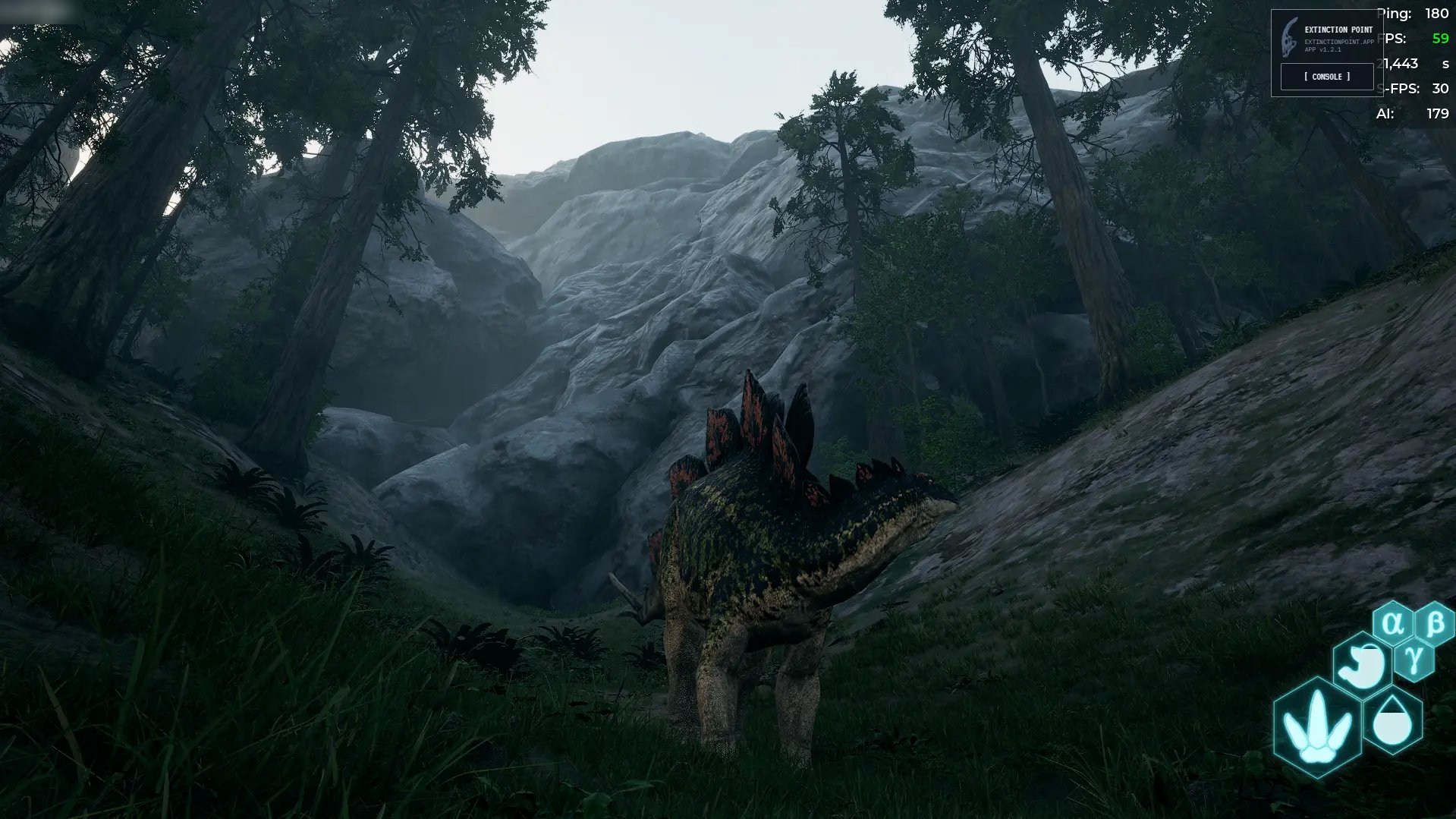
- 04Launch the overlay. A small EXTINCTION POINT panel appears in the top right corner.
- 05Use the tilde key ( ~ ) to toggle mouse clicks between the overlay and the game — the overlay must be clickable to open the console. Press tilde again to go back to clicking in-game.
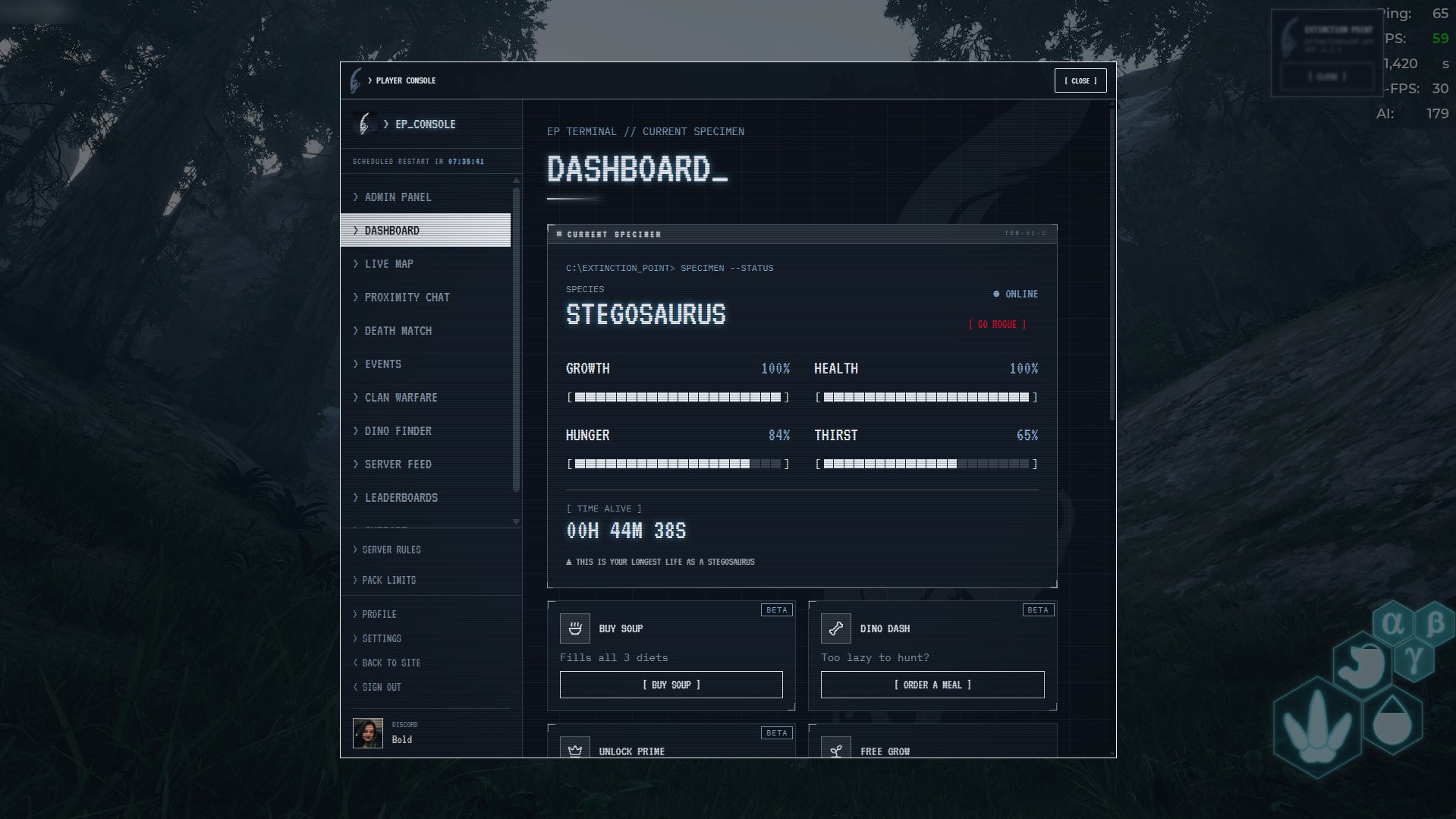
- 06Click [ CONSOLE ] to open the player console over the game. Click [ CLOSE ] to hide it.
- 07Sign in with Steam inside the console the first time you open it.
IN ACTION